
Corestrap isn't working
It’s not launching with Roblox
Section titled “It’s not launching with Roblox”Problem: Roblox launches, but it doesn’t launch with Corestrap features. You don’t see the Corestrap launcher show.
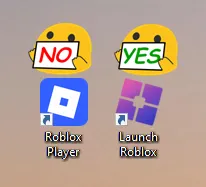
To fix this, launch Roblox with Corestrap manually once. This will register Corestrap as Roblox’s web launch handler.
Don’t launch Roblox through the normal ‘Roblox Player’ icon when using Corestrap, as it’ll undo that.
Corestrap doesn’t open at all
Section titled “Corestrap doesn’t open at all”Problem: Corestrap does nothing when trying to run it. No installer, no main menu, absolutely nothing.
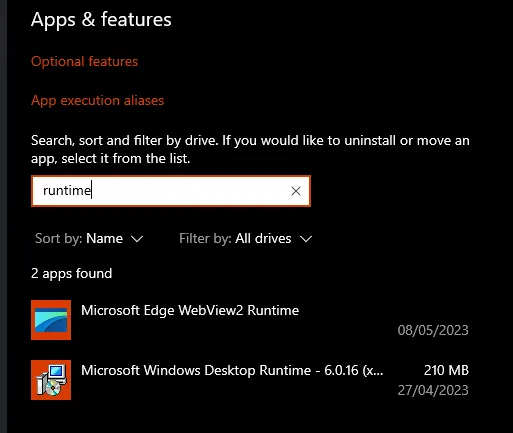
This is happening likely because you have an outdated version of the .NET 6 runtime installed.
Be sure that you have the latest version installed. Download it here.